


Sticky MicroNotes — Notes That Stick!

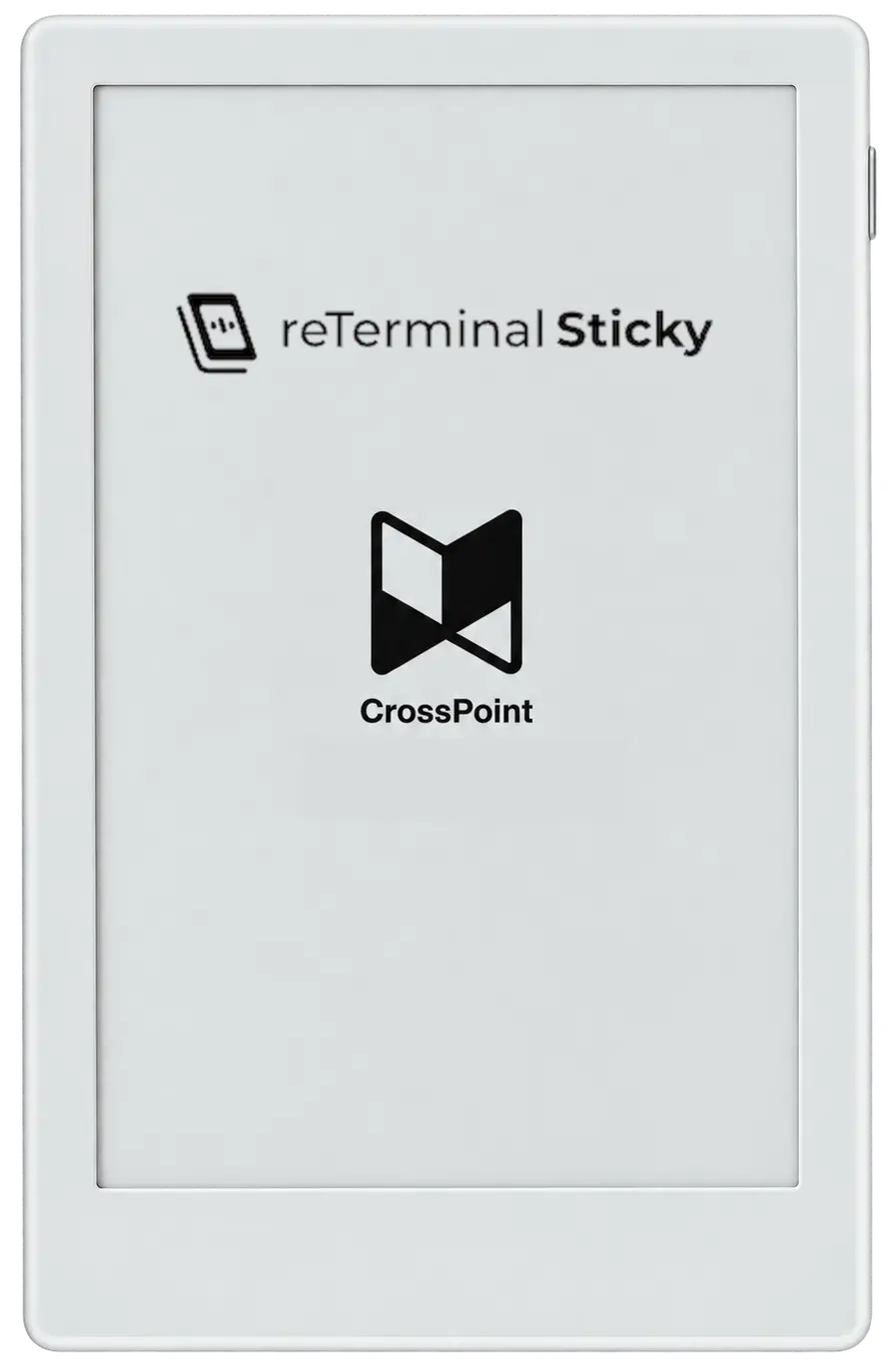
The Seeed reTerminal Sticky is a new cute little eink slab with magnets (4 of them) built into the back, snap it to your fridge, a filing cabinet, wherever metal lives. Out of the box it wants to talk to a phone app. I wanted it to talk to a keyboard instead.

Meet Sticky MicroNotes, a writing firmware port that turns it into a tiny writer deck-esque note pad device.

It's a port of MicroSlate, rebuilt for the reTerminal Sticky specifically. Pair a Bluetooth keyboard, start typing, notes save as plain .txt files on a microSD card. No app, no account, just a keyboard, a screen and a text file.

  • Pairs BLE keyboards; stores up to 4, auto-reconnects on boot.
  • Three writing modes: Scroll, Typewriter (single centered line), and Pagination; cycle with Tab.
  • Auto-saves after 10s idle or every 2 minutes while typing, plus a write-verify .bak rotation so a bad write never eats your last good draft.
  • Clean mode strips the editor chrome down to just your words.
  • Wi-Fi transfer at http://sticky.local — no cable, drag files in from your phone or laptop over your network.
  • Dark mode, portrait/landscape/inverted orientation, optional gyro auto-rotate.
>> seeedstudio.com/sticky/playground/sticky-micronotes
>> github.com/LowFlowIO/sticky-micronotes

Nothing about it tries to be clever. Notes are just text files named after their titles, sitting in /notes/ on your SD card, readable on literally anything. Grocery list on the fridge, morning pages before coffee, a stray idea you don't want to lose to your phone's notification hellscape — it's all just there, on a screen that sips power and never asks you to log in.

Try it out today!

x4ePapers v1.4 — Tag, Share & Install!

x4ePapers has quietly turned into a much bigger project than the little wallpaper dump it started as, so it felt like time for a proper update post. No single flashy feature this round but more a pile of smaller things that add up to a large gallery that's more pleasant to dig through now, instead of just scrolling and hoping many of you requested tags, I've given you all the tags!

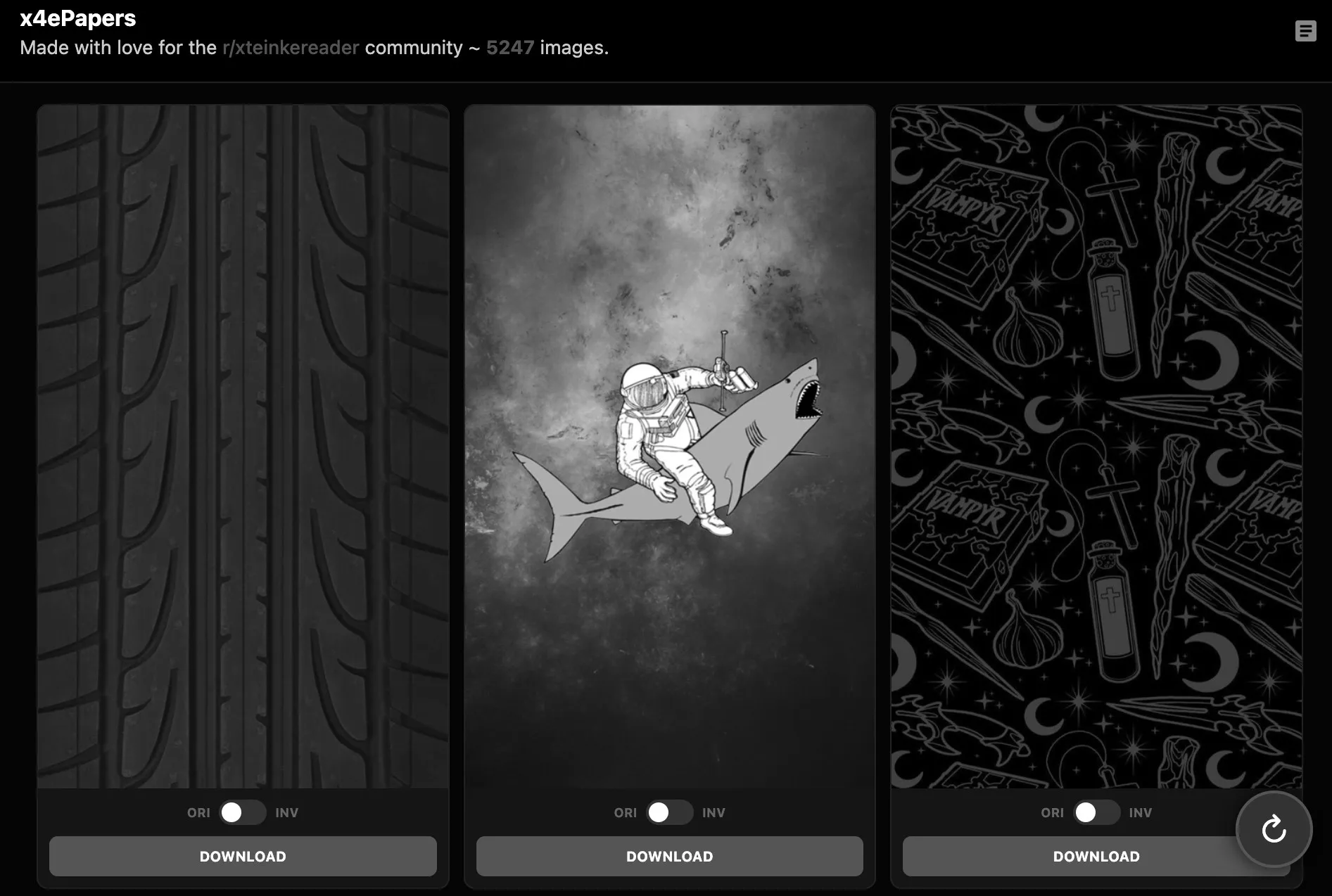
x4ePapers with tags screenshot

Reaching the previous support goal helped me move all the iamges onto a proper CDN-backed home behind the scenes, which mostly just means: it's faster, it can hold a lot more wallpapers and it'll keep scaling as the collection grows. Not exciting to look at, but everything else below was only really possible after moving the storage burden off the tiny vps it was on which also means means this updates comes with another 37,977 wallpapers and proper resolution scalling for the x3 not just halfassing the old x4 images.

  • Every wallpaper is now tagged — subject, style, mood, etc. Tap into the tag cloud up top and browse by whatever you're actually in the mood for, instead of shuffling endlessly.
  • Click a wallpaper to open the preview and see its tags which are clickable so you can jump straight from one image to everything else with similar vibes.
  • There's now a share button on every card, it grabs a direct link to that wallpaper so you can send someone directly to an image in the gallery.
  • An "anime" toggle sits next to the tag cloud, off by default — flip it on if that's your thing, leave it off if it's not.
  • x4ePapers can now be installed as an app on your phone or desktop with a proper icon, opens in its own window, no browser fluff. Look for the install prompt in the lower left next time you visit.
> x4epapers.lowio.xyz

None of this changes what x4ePapers actually is, it's still a straightforward wallpaper library for the X3/4, still free, still no accounts or junk ads. Just easier to actually find the wallpaper you want in a library that keeps growing.

If you want to see it keep growing and the tags to get better, there's now a small support link tucked in the corner too. Completely optional, appreciated either way. Enjoy the new features!

[+] how_the_tagging_works.md

The tags aren't hand-typed, every image gets run through an open-source vision model locally on my own ancient workstation (which is very sadly without a gpu), which scores it against a growing vocabulary of subjects, styles, and moods and keeps whatever actually fits. I find images, feed them to the tagger, it writes tag manifests and preps the images ready to feed to the main app, good times.

Worth a mention for the curious: color/mood tags (like "warm" or "vibrant") were deliberately left out of the vocabulary. Every wallpaper gets converted to grayscale for e-ink screens anyway, so tagging by color would just be describing something you'd never actually see on the device. Brightness and contrast tags stuck around, since those do carry through.

With support the next upgrade would be to jump from the current 62% to 79%+ tagging acuuracy, but this will take a lot of cpu cycles, maybe weeks on my current workstation.

RdLtr — Save Now, Read Later

Remember x4Later, that quick article-to-EPUB converter I threw together back in January? Turns out it wanted to grow up. Meet RdLtr — same core idea, but properly fleshed out this time, with that "seamless uploads to device, via wifi?" TODO from the original post finally ticked off.

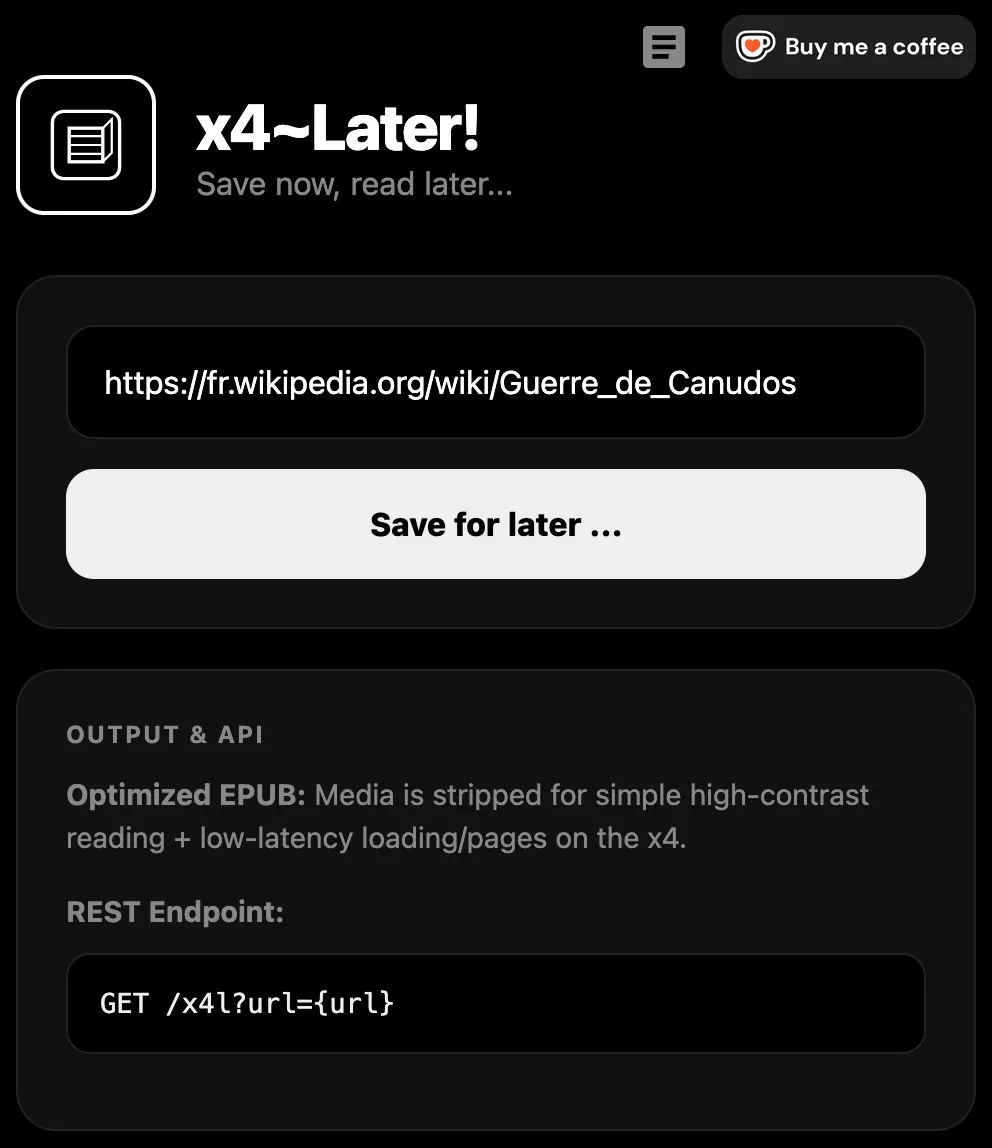
RdLtr Screenshot!

The idea is simple: find something worth reading, paste the link into RdLtr, get back a clean, lightweight EPUB — stripped of ads, popups, and whatever else the modern web insists on bolting onto a page these days. High contrast, sized for your device, easy reading.

  • Paste a link, get an EPUB back in seconds.
  • Optional images, kept grayscale and properly sized.
  • Install it as an app on your phone and share directly from any browser.
  • Hit a wall? RdLtr was built for r/longform readers, supporting archive links was key.
  • Point your e-reader's OPDS library feature at your own personal link — no cables, no 3rd party syncing software.

OPDS is the part I'm most pleased with. RdLtr runs its own library server in the background — you get your own shelf and everything you've saved is just... there. Add an article from your phone on the bus, it's waiting on your e-reader by the time you're home.

It's free and it lives at: rdltr.link

Give it a spin, let me know if something breaks. Happy reading!

[+] best_opds_readers.md

LowIO Wiki Beta One

LowIO Wiki is a purpose-built firmware for the Xteink X4 that boots straight into and offline Wikipedia library. β1 is the first public build meant for you to test, break and request new features, not just a simple demo.

LowIO Wiki Beta 1 on the X4 LowIO Wiki Article on the X4

It is forked from the Crossink/Almanac stack, stripped down so your device is a dedicated encyclopedia.

What β1 does so far ...

  • Boot and Home: The device boots directly to where you left off, Home has two options. Wikis, a selector for your article databases, and Settings keeping things simple. Selecting Resume drops you back into your last article.

  • CDB Packs: Drop any {arbitrary name}.cdb files directly onto the SD root. The Wikis selector automatically enumerates them. Open one, or hold Open to set it as your default. No rigid naming conventions or manifests required.

  • Reading Experience: Enjoy next/previous article navigation, random rolls, and a title index search. Hold Home to cycle body font sizes. Long articles cap out at roughly 30,000 characters at the moment.

  • Images: If your pack includes lead images, place the wiki_img/ directory in the SD root to display them under the article title.

  • Settings: A single page covers your sleep screen (dark, light, or custom), battery percentage, refresh interval, sunlight fade fix, sleep timeout, and language. No Wi‑Fi toggles, themes, or extra reader clutter.

SD card structure

Stick these files on the root of your SD card:

These CDB packs are built from English Wikipedia dumps: pageview-ranked titles, cleaned wikitext. DeepWiki is 600 or so interesting articles over a range of topics. Provided databases for this beta are by no means the whole of wikipedia, I will explore this later.

How to flash

  1. Grab lowio-wiki-beta1_x4.bin.
  2. Head to crosspointreader.com/#flash-tools, select Xteink X4, and choose Custom.bin
  3. Follow on screen instructions ...

β1 limits

  • 30k Character Limit: Longer pages are currently truncated, I've tested upto 52k with some stability, full articles will be supported next.

  • Single Language: Packs shipped so far are English-only, tools to create your own packs will be available later.

  • No In-Firmware Downloads: Packs and images must be pre-compiled on a PC. I may host a cdb library later and incorporate ota downloads/updates.

  • Isolated Index: The index searches the currently open .cdb, not a unified master index of every file on the card.

  • Lead Images Only: Images are currently limited to article lead images.

Why ship it now?

The core reader stable: open a pack, flip pages, jump to next/random, search, pull up the index, resume your place, and switch .cdbs. That's the basics for the beta, I need your testing and feedback, have at it!

What is next?

Longer articles, wider image coverage*, image toggle on device to unify packs, larger ranked dumps and more flexible search are all on the roadmap for β2 and beyond.

Let's not forget ...

A huge thank you to Sparkadium for the initial wiki groundwork and a kick up the ass to dive in, improve and make it my own.

Streaming direct from the r36s!

Testing testing ... this was a random thought at gone 1AM last night, "the r36s is bascially a linux box, ffmpeg streaming?"

I use ffmpeg at least a few times a week and it plays a large role in my automated media stack at home, I love working with it so I wrote a rough C wrapper and dropped it on my knock off r36s (512MB Ram) 3rd time lucky after some config tweaks and here we are! There's still work to do and I suspect it'll be even smoother on the 1GB models or the r36xx with built in WiFi not running ArkOS For Clones.

Repurposing an Orico SD Card Case

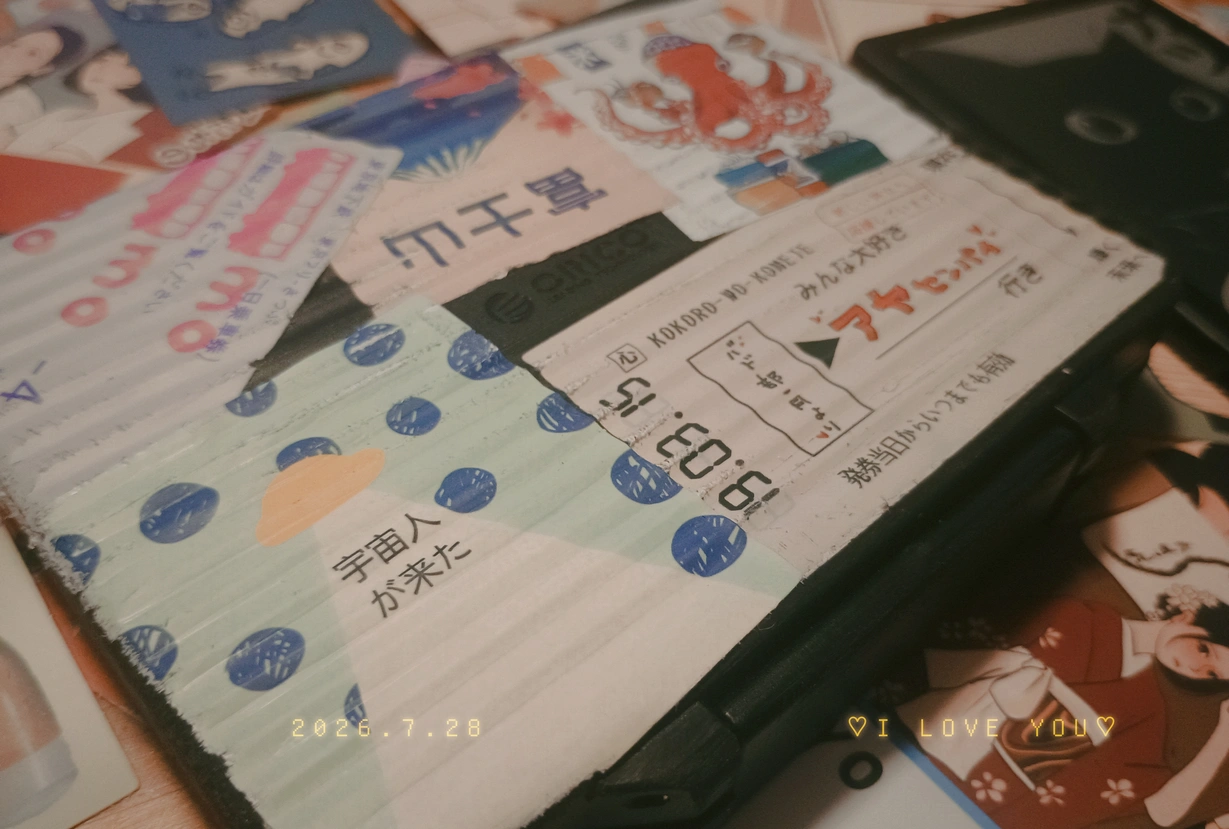
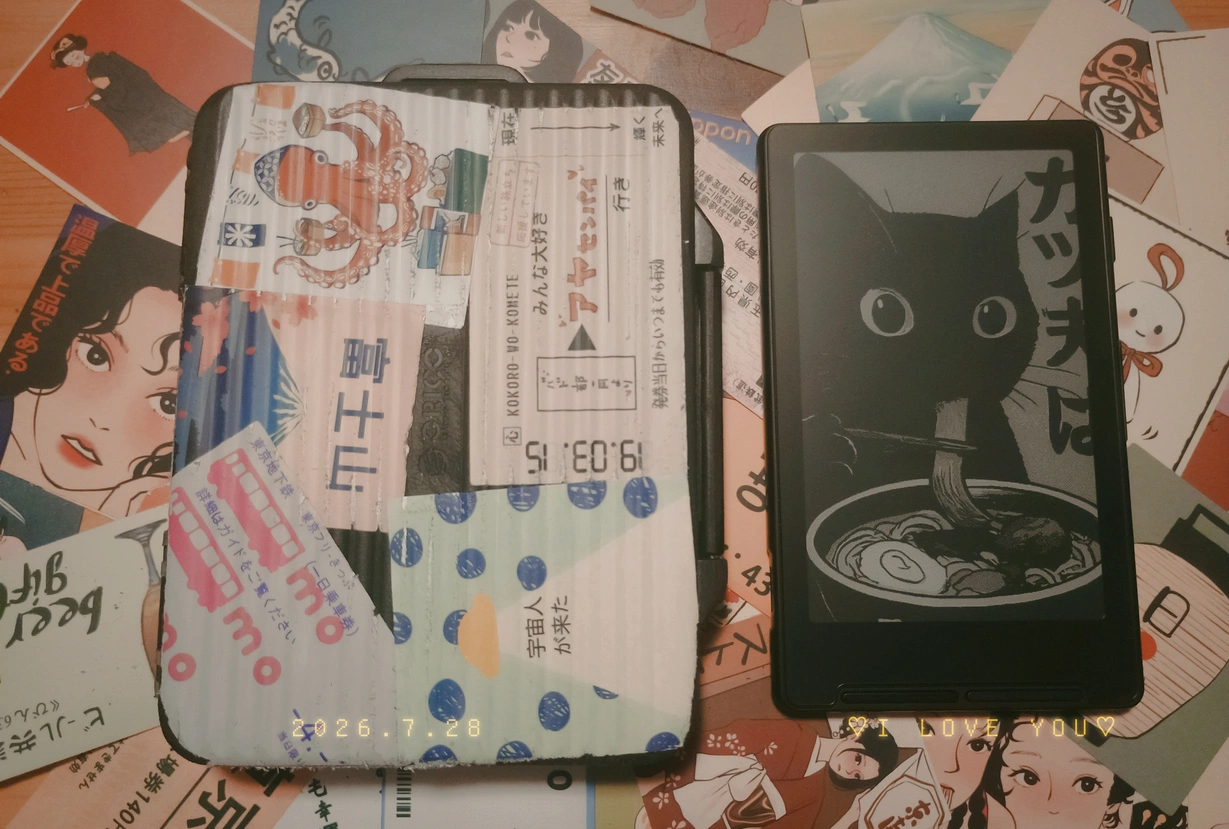
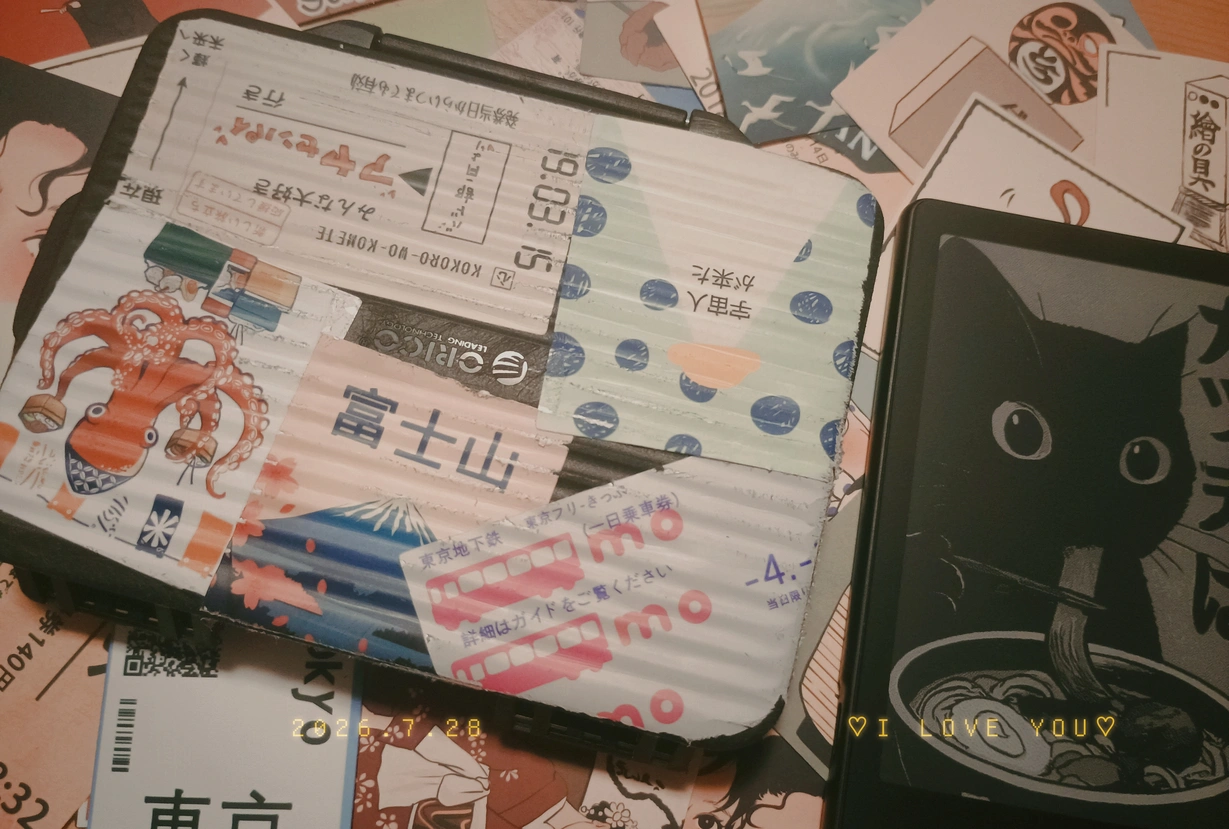
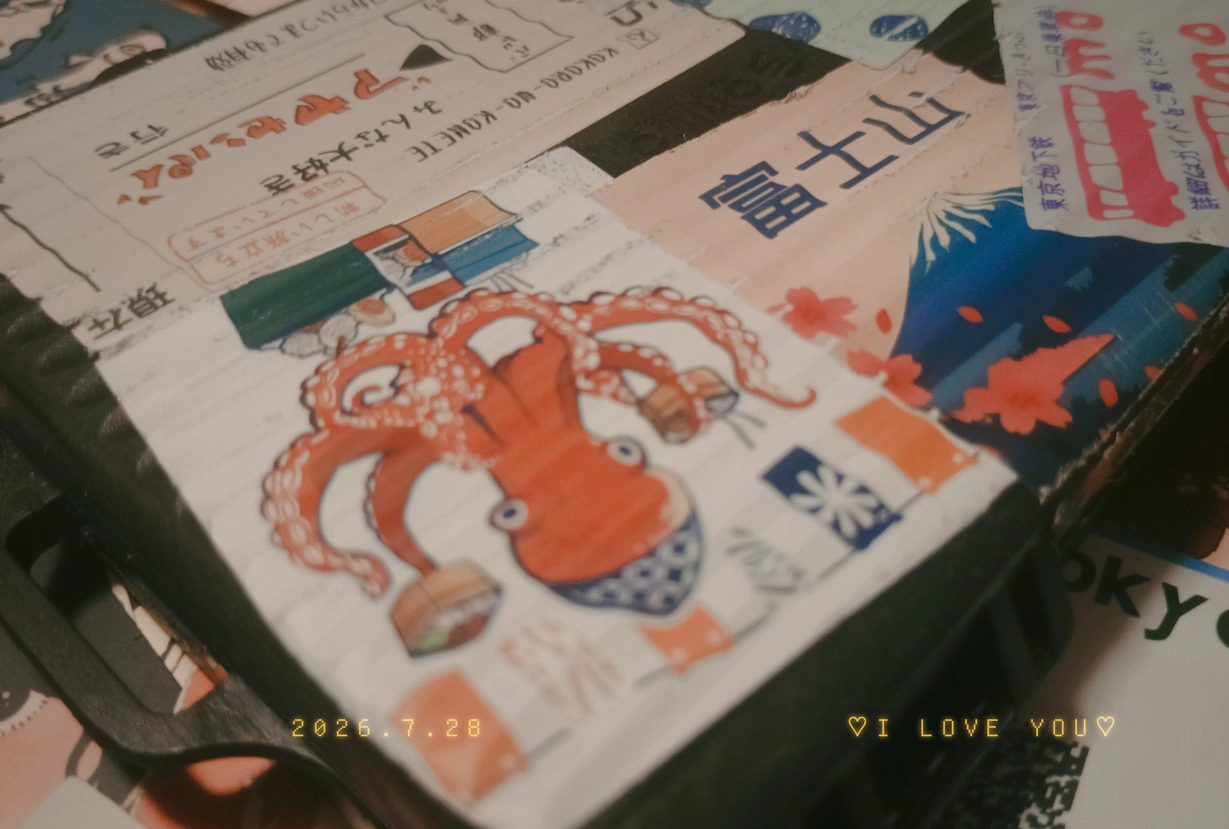
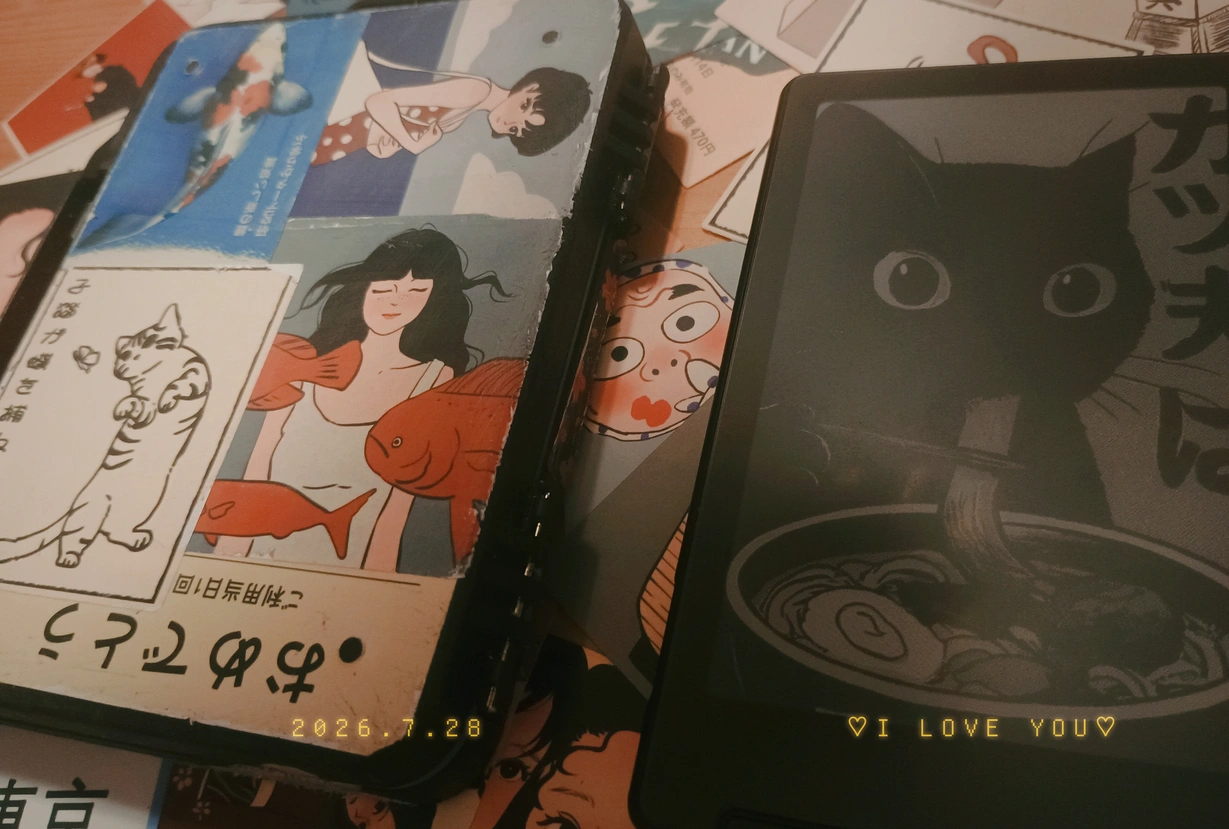
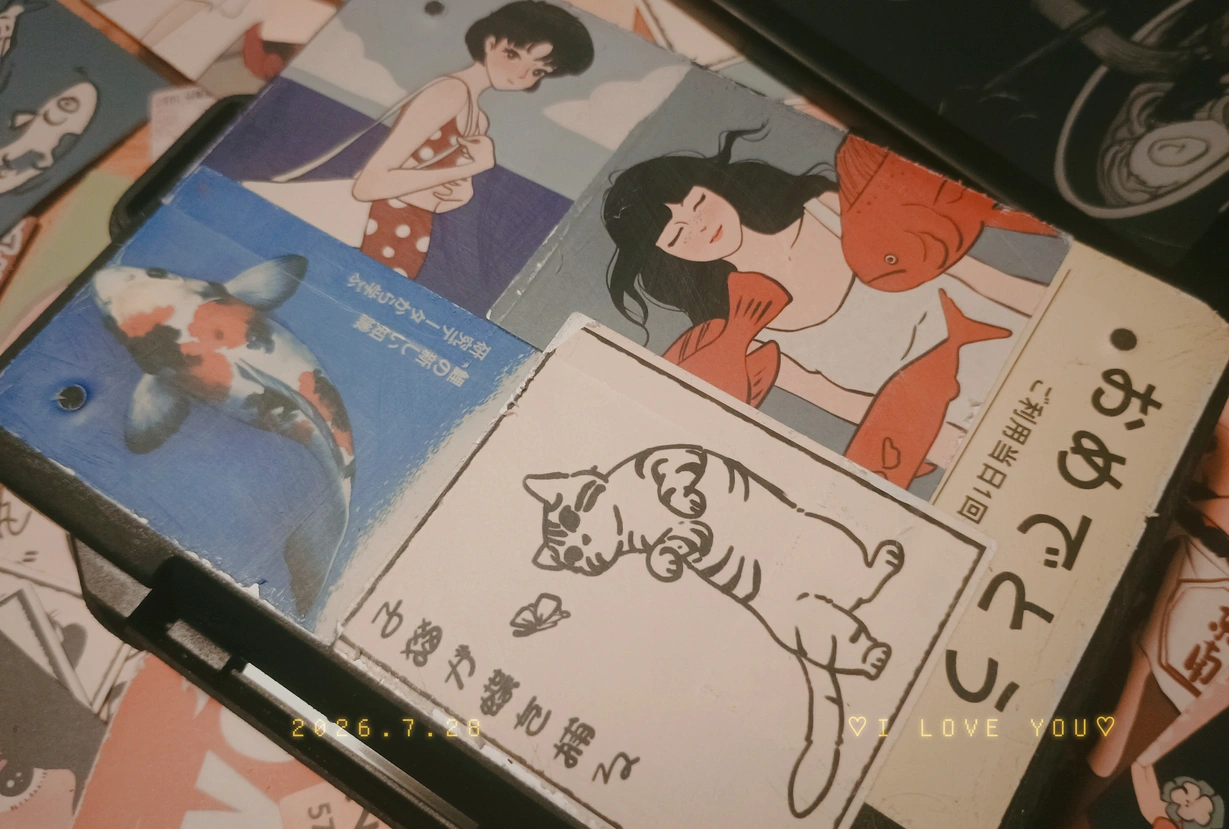
Little luggage for your e-reader! I repurposed an Orico SD Card Case for my Xteink X4, for $8 you can't go far wrong.  Grab yours! (affil)

Slap some stickers on it and now you can throw your reader in your bag and not worry about that delicate screen! 

An r36xx Server, CRT-ish, Media Player Thing...

This has been a long time coming, after my first post to this blog I played around with a few ideas of what to serve from the r36xx. I landed on this, a single page r36s emulator-thing, because the r36s is an emulator ... or something. 

> r36s.lowio.xyz

This page is served from a real r36xx running armbian/nginx/tailscale sat on my windowsill connected to a USB-UPS.

The video files are fragmented/indexed so channel loading/switching feels instant instead of waiting, this was one of the biggest challenges to do without cloudflare cache (which would bork range requests) I went through a few encode options to make sure everything loaded as fast as possible on any device, browser or connection and finished up by highly optimizing nginx, the images, code and then moved everything into RAM for maximum performance and less wear on the SD card.

I'll leave the rest of the features for you to discover, press some buttons, have fun.

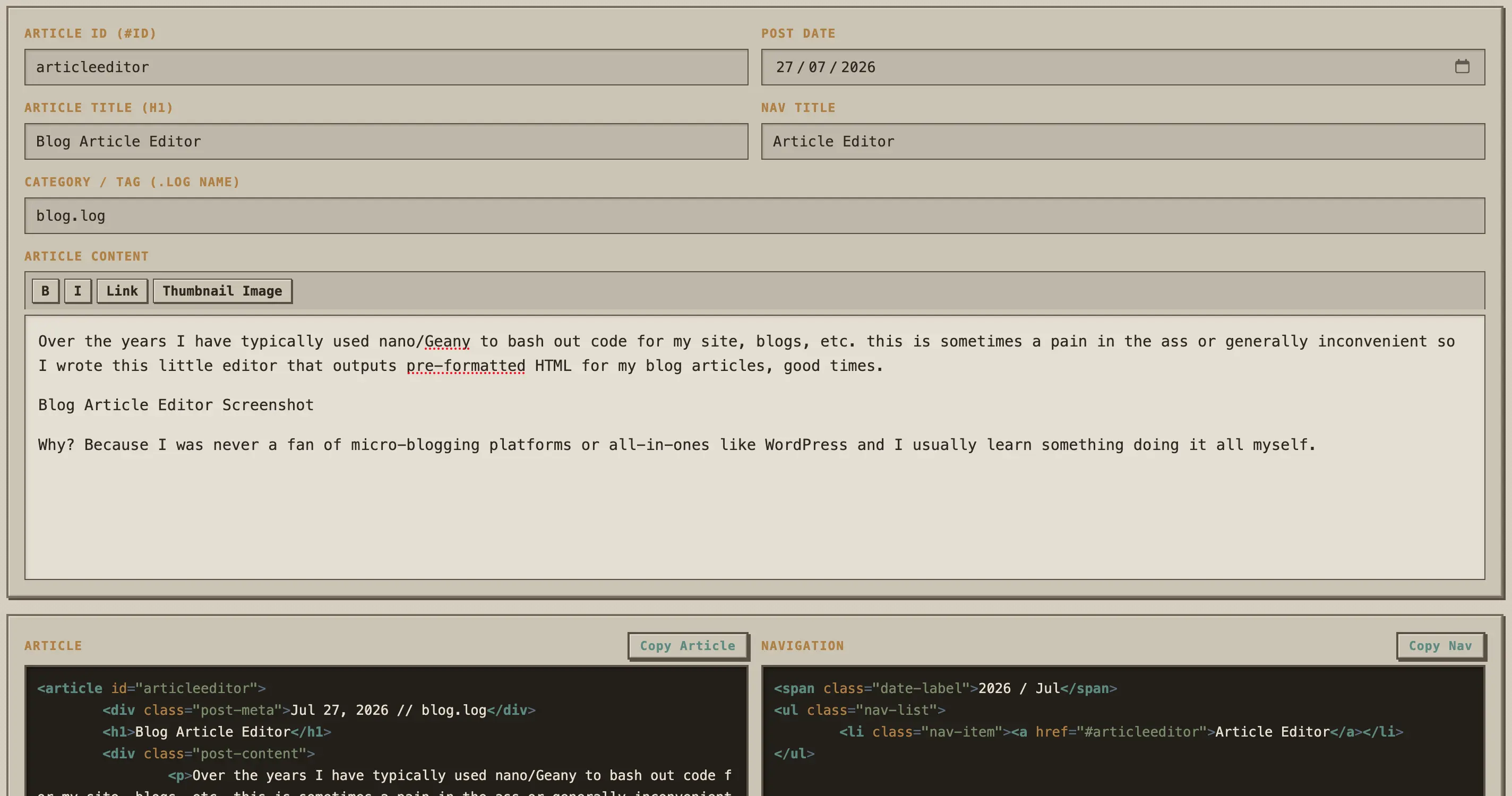
Blog Article Editor

Over the years I have typically used nano/Geany to bash out code for my site, blogs, etc. this is sometimes a pain in the ass or generally inconvenient so I wrote this little editor that outputs pre-formatted HTML for my blog articles, good times. 

Blog Article Editor Screenshot

Why? Because I was never a fan of micro-blogging platforms or all-in-ones like WordPress and I usually learn something doing it all myself.

Xteink // (Un)Official Media

A new gallery for the official xteink user wallpapers.

> xteinkom.lowio.xyz

Xteink hosts its own user submitted wallpaper gallery via its cloud app, some of us don't (want to) use this app so a cool guy called Megabit_Omega decided to write a tool to download and sync (automated daily updates) all of this media, he then came to me for a place to host it and so I built this lovely new gallery, enjoy.

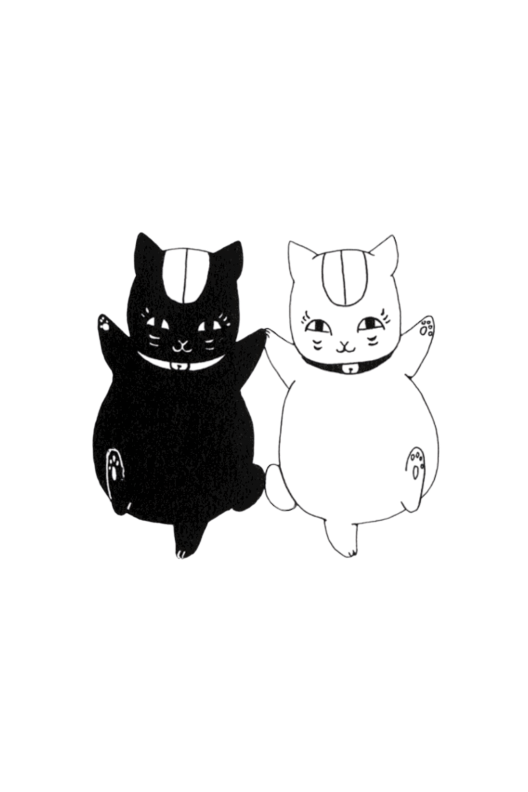
Some notes; most of this media was uploaded by Chinese citzens to their localized platform, keep this in mind when viewing through a western lens. I do not support and therefore will not take part in censorship for a global audience. Buddha, Spongebob, Mao, Pooh and a man with a little mustache may reside in the gallery, but you don't have to use any of them on your device if you don't want, use this cute pair of pussies instead ₍˄·͈༝·͈˄₎

Pussy Couple!

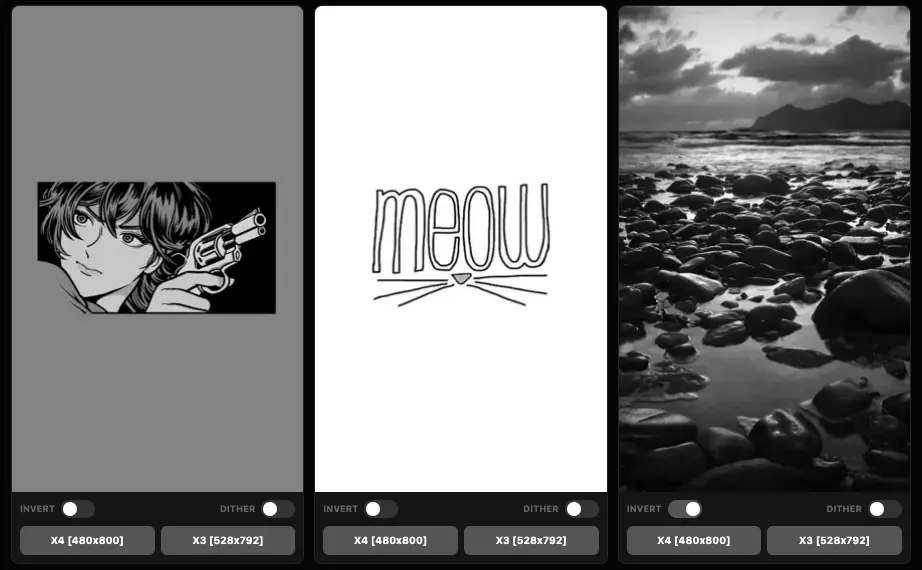
x4ePapers X3 Support

Changes in v1.3 (x3 update)

  • Download button split into X4 and X3.
  • X3 variant scales to 528x792 on the fly.
  • Selected Dither and Invert modifiers apply to output before scaling.
  • Downloaded files are named with _x4 and _x3 suffixes respectively.
> x4epapers.lowio.xyz

The X3 uses a slightly wider and shorter resolution than the X4 (528x792 vs 480x800). The scaling is done server-side on demand, so no separate image library is needed. As with the X4, the dither and invert toggles apply before the rescale, so what you see in the preview is what you get on the device.

A screenshot of the x4ePapers project with X3 download support

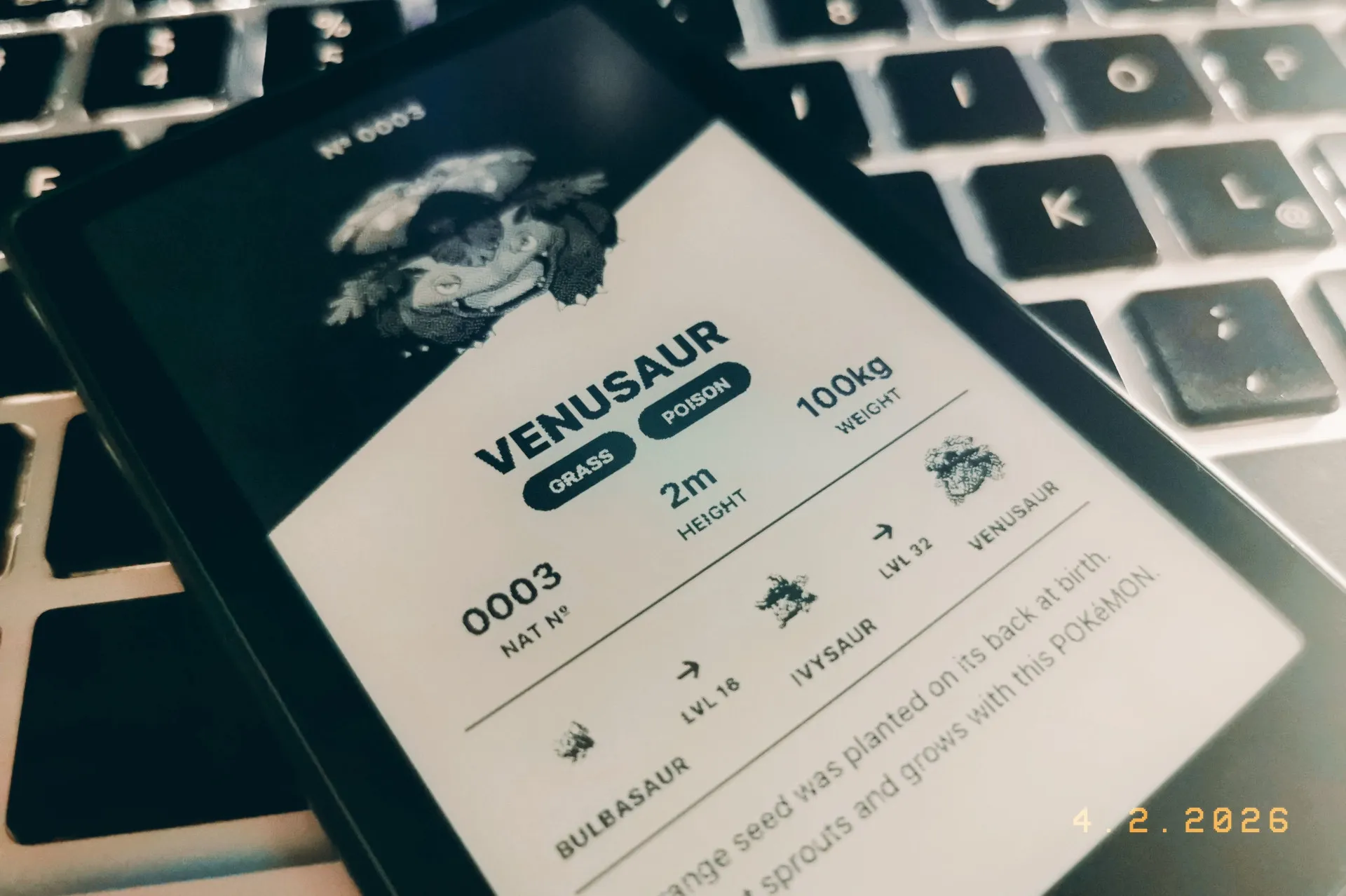
x4 Pokédex Wallpapers

u/basvanderploeg made an awesome generator for Pokédex wallpapers formatted for the xteink x4, I wrote a scraper to catch them all and offer them for download, good times!

A photo of the x4 with a pokemon wallpaper
Generation About Cards Stats Cards
Gen 1 KantoDownloadDownload
Gen 2 JohtoDownloadDownload
Gen 3 HoennDownloadDownload
Gen 4 SinnohDownloadDownload
Gen 5 UnovaDownloadDownload
Gen 6 KalosDownloadDownload
Gen 7 AlolaDownloadDownload
Gen 8 GalarDownloadDownload
Gen 9 PaldeaDownloadDownload

> github/scrp-basvanderploeg.nl

x4Later v1.0

Just a quicky post announcing x4Later, a web article to EPUB converter.

> x4later.lowio.xyz

TODO: Seamless uploads to device, via crosspoint/wifi? Bluetooth? We will see, the idea is to have options for web → device workflow.

A screenshot of the x4later project

x4ePapers v1.2

Changes in version v1.2

  • Added dither toggle!
  • Inverted color previews are now done in CSS.
  • Modified images are now cached in ram for 24 hours.
  • WEBP previews compressed by 8% to save on bandwidth.
  • Invert/Dither modifiers are now on-demand to save on storage.
  • Directory walk logic rewritten to speed up page loads allowing for a larger image collection.
> x4epapers.lowio.xyz

Settings for dithering are the same used in the Crosspoint firmware for book covers, as of writing Crosspoint doesn't apply dithering to wallpapers/sleep screens where as the stock fw does. Test to see what works for you.

A screenshot of the x4epaper v1.2 project

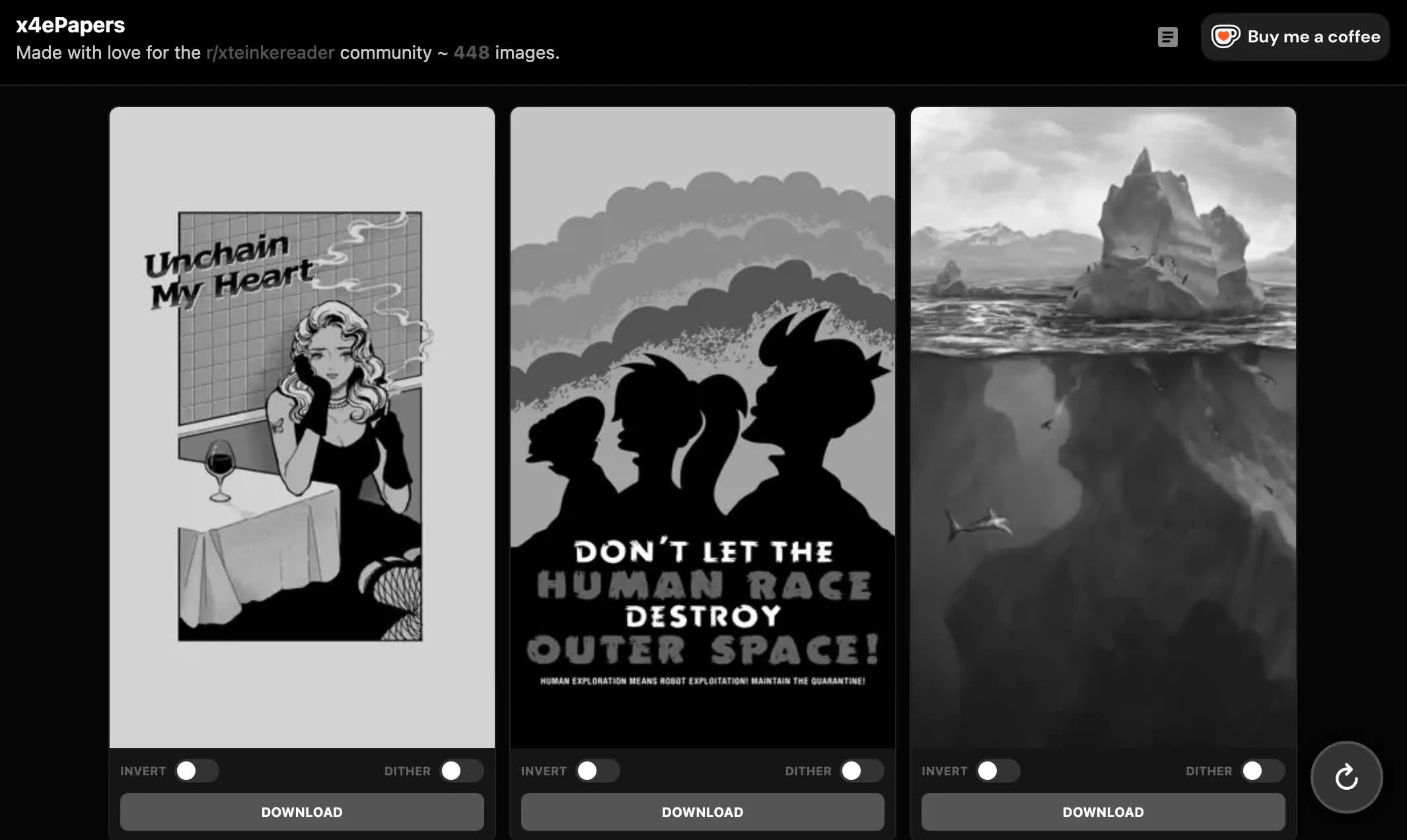
x4ePapers Goes Live!

A month ago procrastinating on reddit I saw a comment mentioning this wonderful little device, the xteink x4. I fell in love with the device and then the community r/xteinkereader

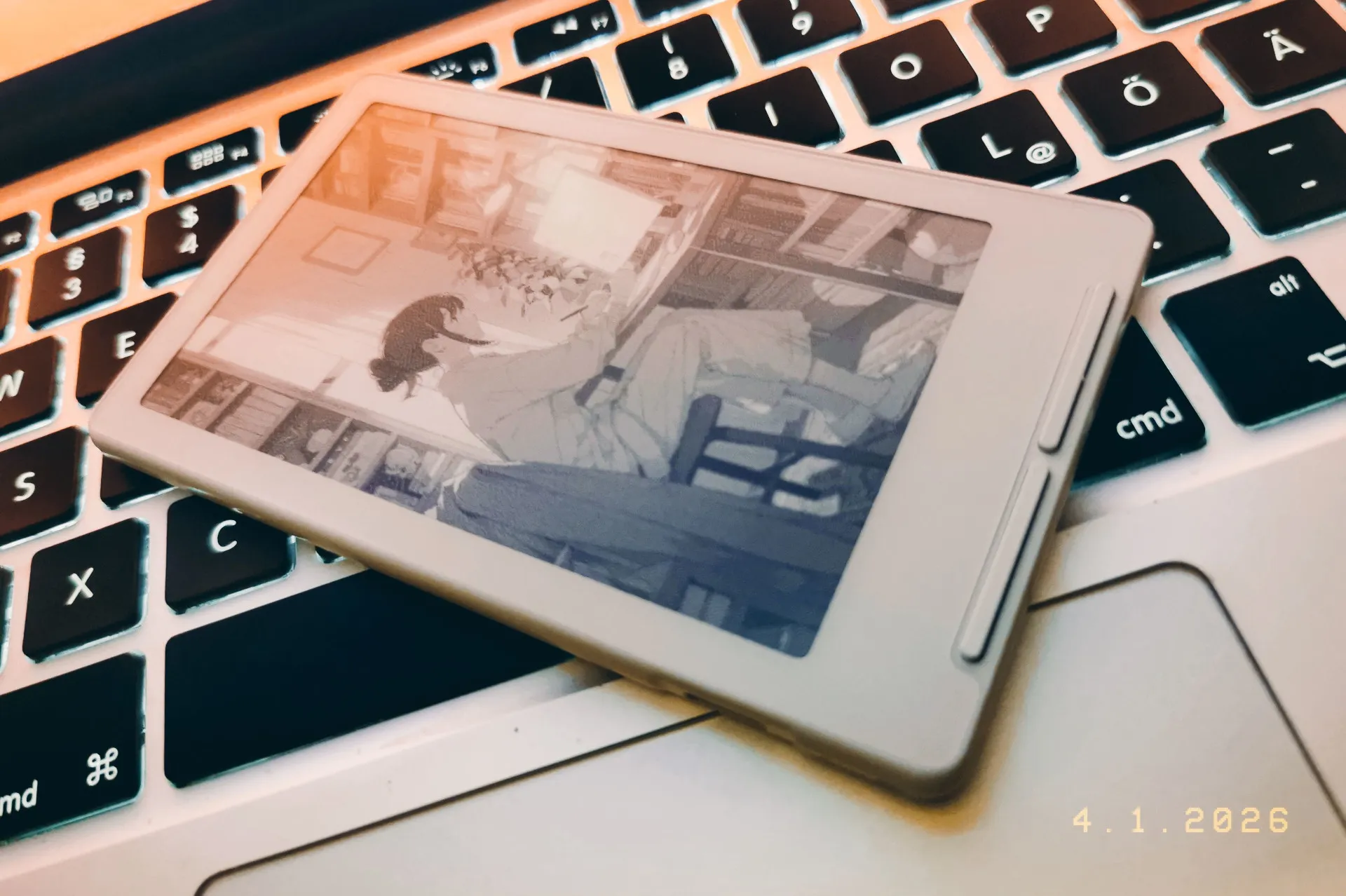
xteink x4 device on the sleep screen

Rallying around this device a bunch of very fine folk have given us custom firmware and many tools to make life with this beautiful piece of hardware that much better, I wanted to give back too so I have written a wallpaper/sleep screen tool and discovery site.

A screenshot of the x4epaper project

The plan was to have a site where you could potentially browse for as long as you want finding and curating the perfect collection of wallpapers for your device. So I built an asset pipeline in Go to ingest images, convert them to the format recommended for the x4 and display them as cleanly as possible while offering both original grayscale and an inverted option + one click downloads.


As this project is geared toward random discovery each page load gives you a fresh set of images or you can just keep scrolling and load more as you go. You can also tap an image for a closer look, happy tinkering, wallpaper collecting and most of all reading!

> x4epapers.lowio.xyz

Note that in gallery view and tap to preview the images are lower resolution webp to keep page loads snappy, hit download to get the full resolution x4 ready bmp files.
To-do: gather feedback, review image formats, optimize for performance at scale.


> r/xteinkereader Release Thread

The R36S As A Server

I recently picked up a cheap retro emulation handheld, my 3rd.. I told myself I'd do something else with this one, other than flash the latest r/SBCGaming OS recommendation, load it with 50,000 roms I'll never play and let it collect dust on my shelf. So let's turn it into a portable server.

Some Specs — SoC: Rockchip RK3326, CPU: Cortex-A35, GPU: Mali-G31 MP2, RAM: 1GB DDR3L, DSP: 3.5" 640×480 IPS, NIC: 2.4GHz, BAT: 3000mAh.

Think Raspberry Pi 3 with a screen, battery & USB-C in a nice case all for $35 delivered.

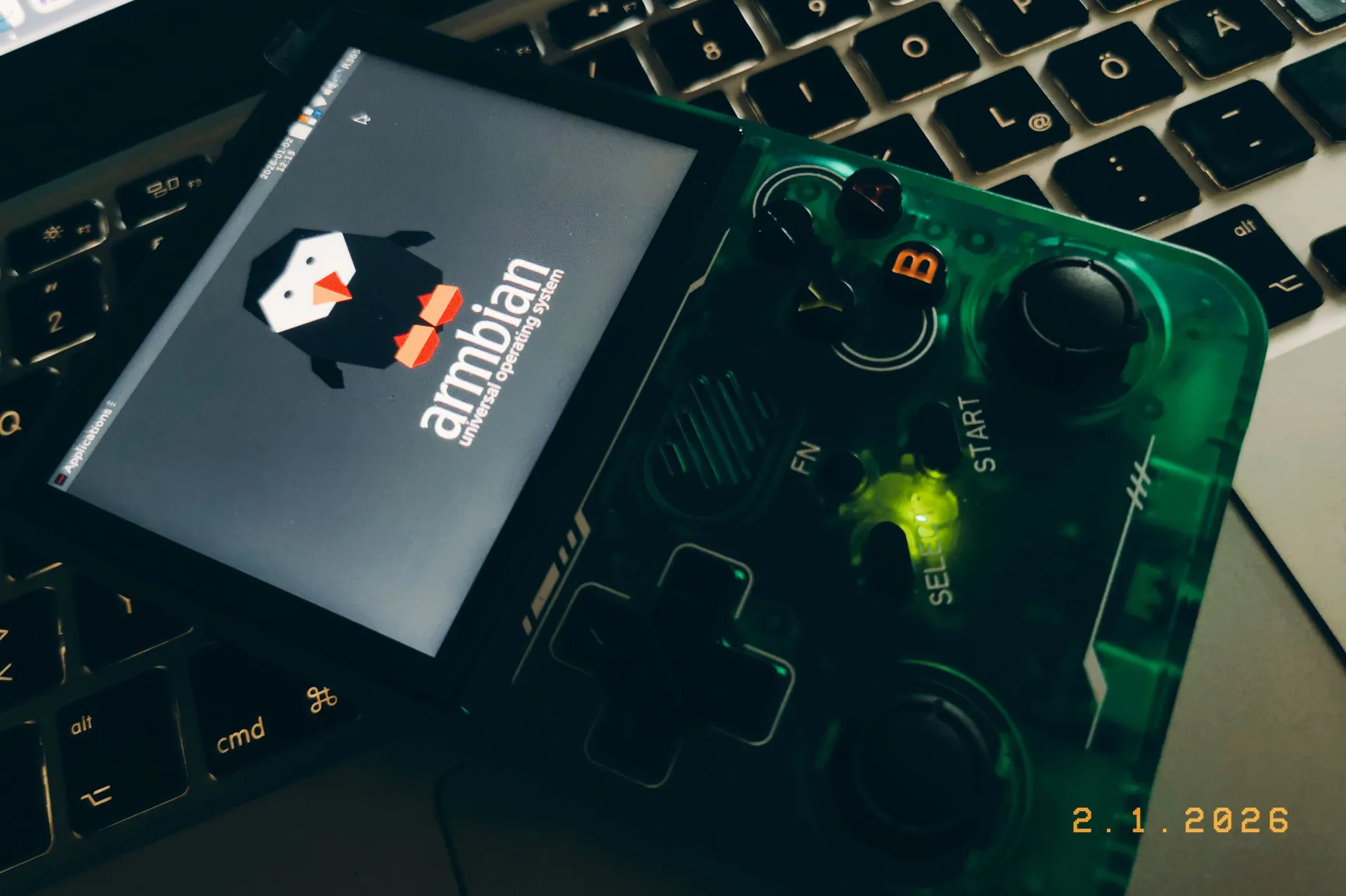
Enter Armbian!

Armbian running on the r36xx device

Much of the heavy lifting has already been done here, (the r/R36S community have even built Android for the platform!) so I flashed armbian-r36s-bookworm-xfce to a new mSD card, got lucky having a "panel 4" device and a few minutes later land in a fresh xfce environment!

Navigate the on-screen keyboard, enable ssh, a little apt-get, nginx is installed and ready to serve some pages. Now to build something fun for the community....

[+] Read project_notes.md

Additional logs: Running stable on RC5 build. Power consumption profiles idling under Nginx optimization sits roughly around ~140mA. Headless modifications can be configured safely via standard configuration files.


Stay tuned!!

Initial Commit

Low[Flow]IO goes live. This space will serve as a slightly curated digital garden for my projects, ramblings, tangents & deep-dives into tech.